Wix product customizer for print shops Personalized Wix orders, ready to print.

The Jifup Wix product customizer lets buyers personalize products on your Wix store with a live preview. Each order lands on your Jifup board with the buyer’s artwork attached, and the status goes back to Wix when you ship.

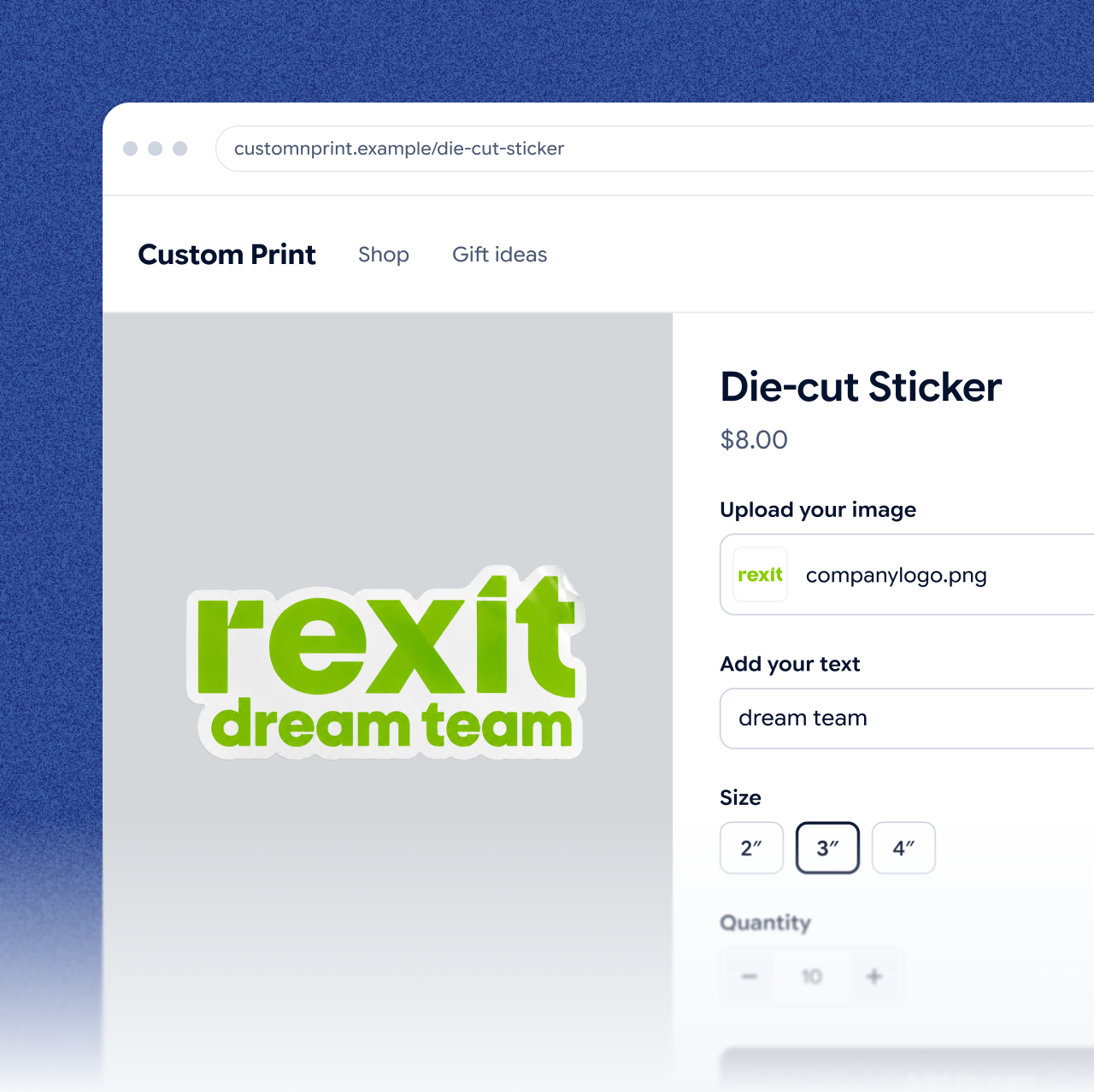
A Wix product page of a test store with the Jifup configurator: a die-cut sticker with an uploaded logo and text, and the size options
Works with
Etsy and Wix, on one board
Connect from
Integrations in the Jifup console
Price
From $0/month + 2.9% per paid custom item
Credit card
Not needed to start

What syncs

What syncs between Wix and Jifup.

Wix orders reach Jifup with the buyer’s artwork, and the shipped status goes back to Wix when you ship.

DataFrom Wix to JifupFrom Jifup to Wix
New ordersItems with size and color, customer details and the buyer’s artworkNot synced
Shipped statusNot syncedSent when you mark the order shipped

How to connect

Connect Wix from the Jifup console.

The Jifup app is not in the Wix App Market yet, so you link your Wix site in Integrations.

  1. 01

    Open Integrations

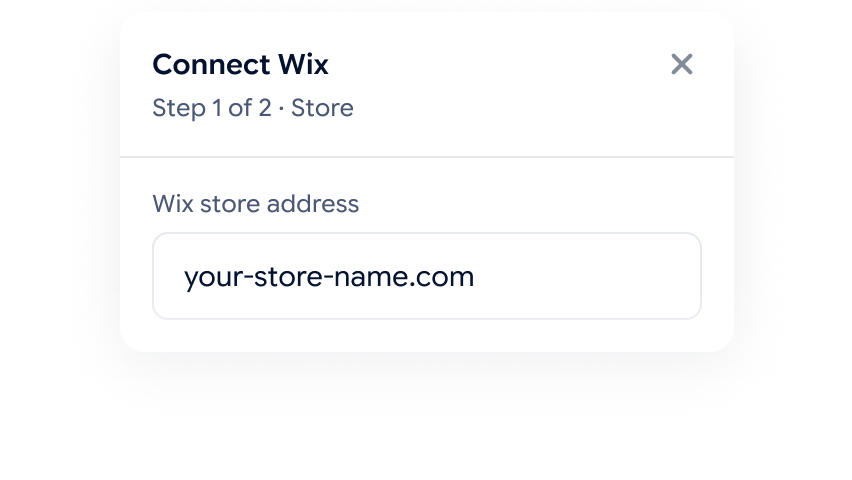
    Sign up free, go to Integrations in the Jifup console and choose Wix.

    Connect Wix dialog, step 1 of 2: the Wix store address field, your-store-name.com
  2. 02

    Approve access

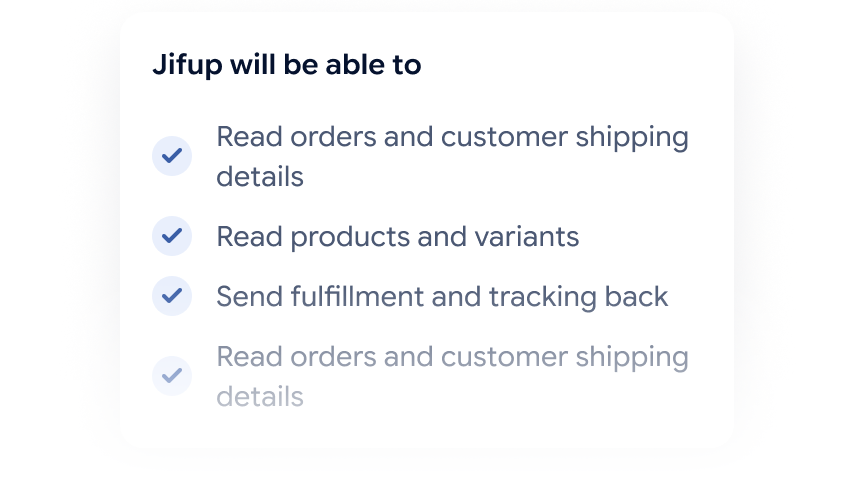
    Sign in to Wix and allow Jifup to read orders and update shipping.

    What Jifup asks to do in your Wix store: read orders and customer shipping details, read products and variants, send shipping updates back
  3. 03

    Orders import

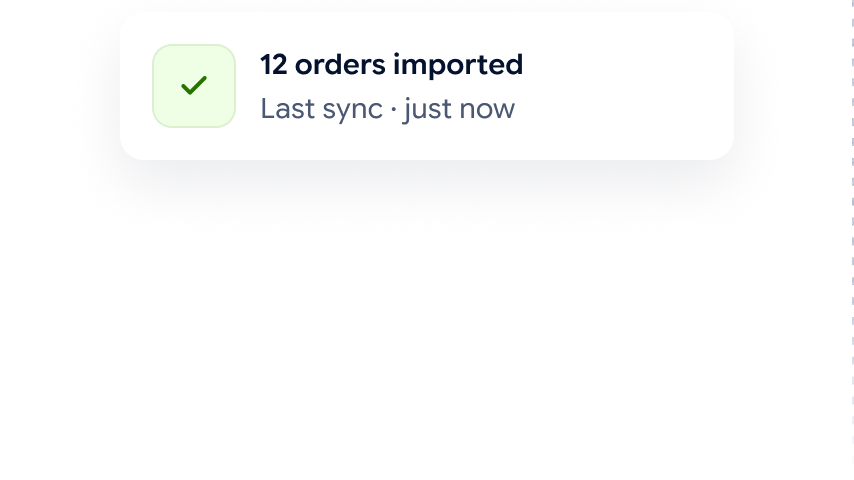
    New Wix orders import automatically and land on your board with the artwork, size and color attached.

    Import status card: 12 orders imported, last sync just now

On your Wix store

What buyers do on your Wix product page.

The Jifup configurator takes the buyer through a few short steps, so the order arrives complete.

  • Upload a photo

    The buyer adds their own photo or artwork to the product.

  • Add text

    The buyer types the text they want on the product.

  • Pick a color and size

    The buyer chooses from the colors and sizes you offer.

  • See the live preview

    The buyer sees the finished product before they pay.

After the order

What happens after a Wix order lands.

In the Jifup console, a Wix order goes from approval to the shipping label without retyping or email.

  • Approve and check

    A manager approves the order. Jifup shows the artwork’s DPI and upscales a low-res file in one click.

  • Build print sheets

    Jifup builds cut lines, print sheets and gang sheets automatically.

  • Track production

    Your team moves each order through print, cut, press, pack and quality check.

  • Label the packages

    Jifup creates barcode shipping labels for all packages in one PDF.

  • Sync back

    The shipped status goes back to Wix.

See how it works

Customer story

One print shop’s results with Jifup.

“Every Artistickers order is one-of-a-kind: a different photo, a different style, a different product. We used to start the day sorting orders and arranging print files by hand. Now orders arrive checked and grouped, and the team just prints. We get products out the door in a fraction of the time, and we catch bad files before they cost us a print.”

Andrew B.Founder & CEO, Artistickers
reduction in wasted print materials
at Artistickers, Jul–Sep 2026
90%
faster fulfillment from order to printing
at Artistickers, Jul–Sep 2026
3x
Read the Artistickers story

Etsy plus one

Etsy plus Wix, on one board.

Sell on Wix and Etsy, and work from one list. Etsy is always on in Jifup, and Wix is your one more platform.

Pricing

Start free, pay as you sell.

Every plan includes the production console. Plans differ in the monthly fee and the commission per paid custom item.

  • Start

    For trying Jifup with your first orders.

    $0/month

    +2.9% per paid custom item

    Includes

    • First 5 custom items each month with no commission
    • “Jifup” badge on your site
    • Your site on a Jifup subdomain
  • Solo

    For a shop that sells on its own domain.

    $39/month

    +1.9% per paid custom item

    Includes

    • Everything in Start, with a lower fee per paid custom item
    • Connect your own domain to your site
    • “Jifup” badge on your site
  • Print Studio

    For shops that want a fully branded flow.

    $199/month

    0% per paid custom item

    Includes

    • Everything in Solo, with no fee per paid custom item
    • The only plan where you can remove the “Jifup” badge
    • Request without payment: the buyer sends the assembled order and you issue the invoice yourself

FAQs

Wix product customizer questions, answered.

Not yet. You connect your Wix site to Jifup from the Jifup console: open Integrations and choose Wix.

Yes. Etsy is always on in Jifup, and Wix is your one more platform. Orders from both channels land on one board and go through the same production statuses.

Jifup checks every artwork against the quality limits you set and shows its DPI. If a photo from a Wix order is too low, you can upscale it in one click before it goes to print.

Yes. Buyers pick a color and size as well as adding their own photo and text, so the Jifup customizer works as a Wix product configurator too.

In the Jifup console. Wix orders land on the Jifup order board, where a manager approves them and the team moves each one through print, cut, press, pack and quality check.

Yes. Jifup nests stickers on print sheets with their cut lines, gives apparel front and back print areas, and runs embroidery jobs in their own queue.

Connect Wix and see your first orders in Jifup.

Your first orders land in the console, checked and ready to plan. No credit card.