Print shop workflow From custom design to shipped order.

Follow one custom order through the Jifup print shop workflow. The customer designs it with a live preview, Jifup checks the artwork and builds print-ready files, your team makes it, and a barcode shipping label closes the order.

At a glance

The print shop workflow in eight steps

Here is how print shop management software works in Jifup. Every custom order follows the same eight steps on one board.

  1. Design
  2. Order arrives
  3. Approve
  4. Check artwork
  5. Print files
  6. Production
  7. Shipping label
  8. Status sync

Step 1

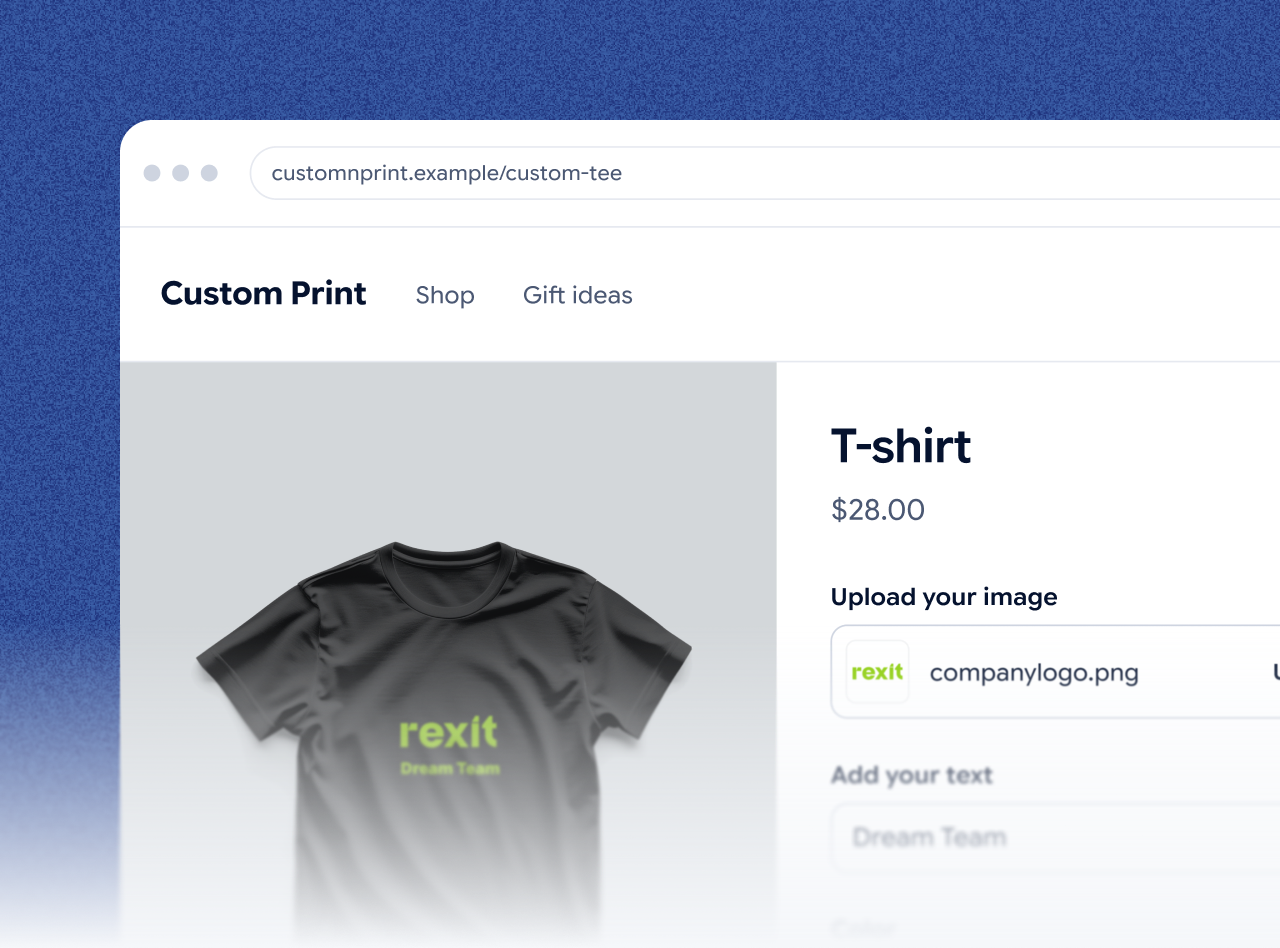
The customer designs the product with a live preview

Your customer uploads a photo, adds text, and picks a color and size. The live preview shows the finished product before they pay. The configurator runs on your own site, on Shopify, Wix, WooCommerce or Etsy, or on a showroom tablet.

Step 2

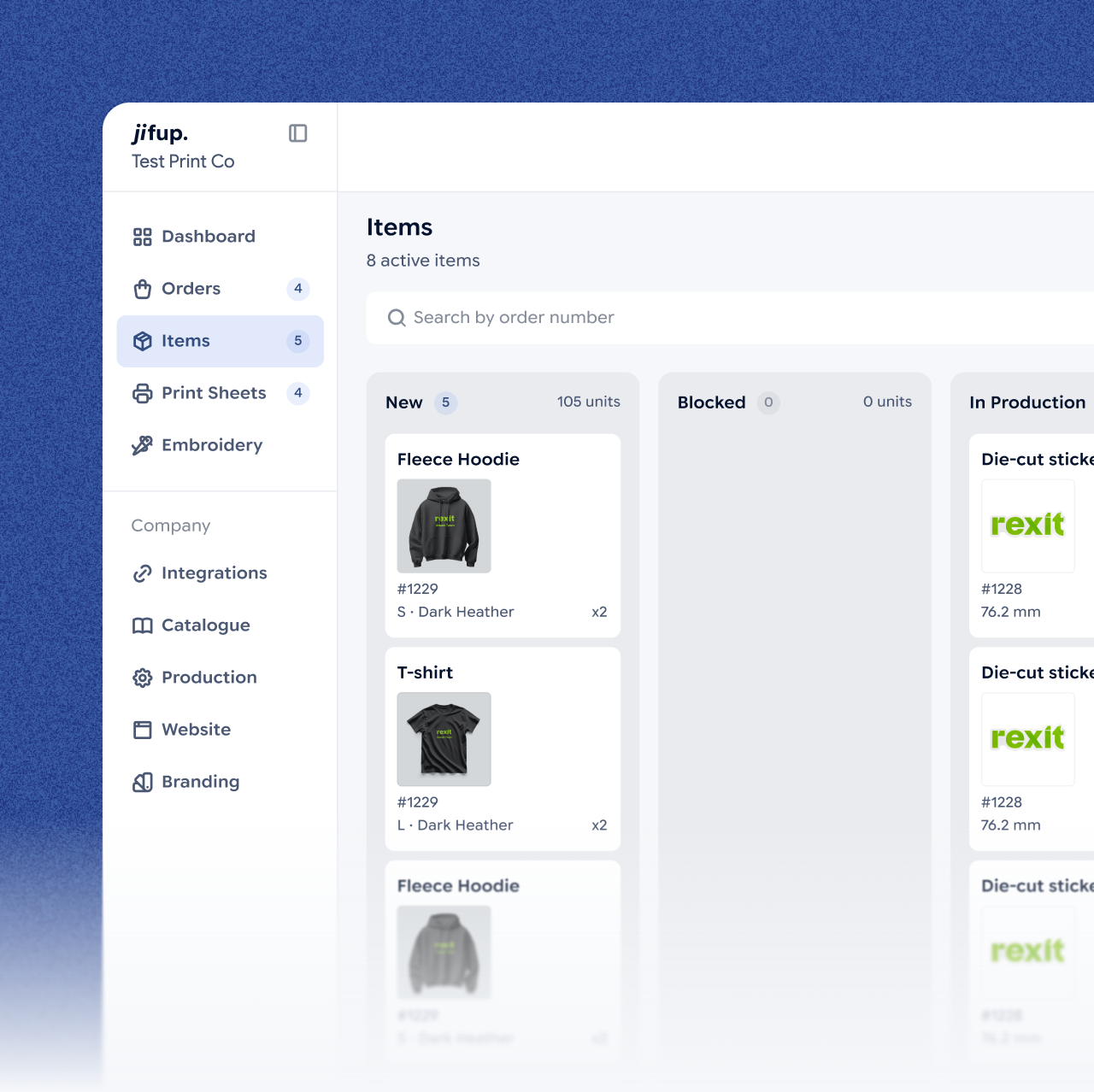
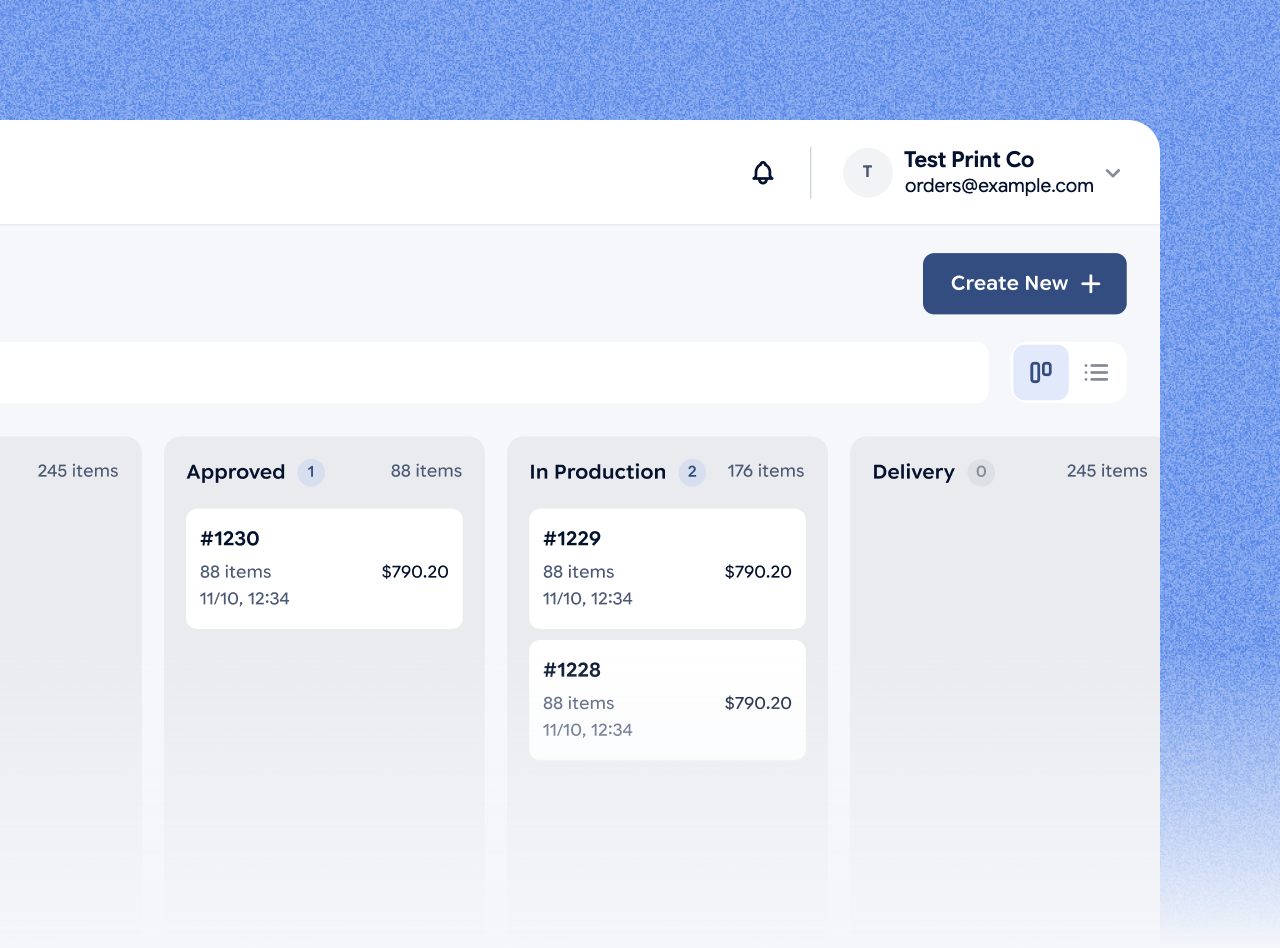
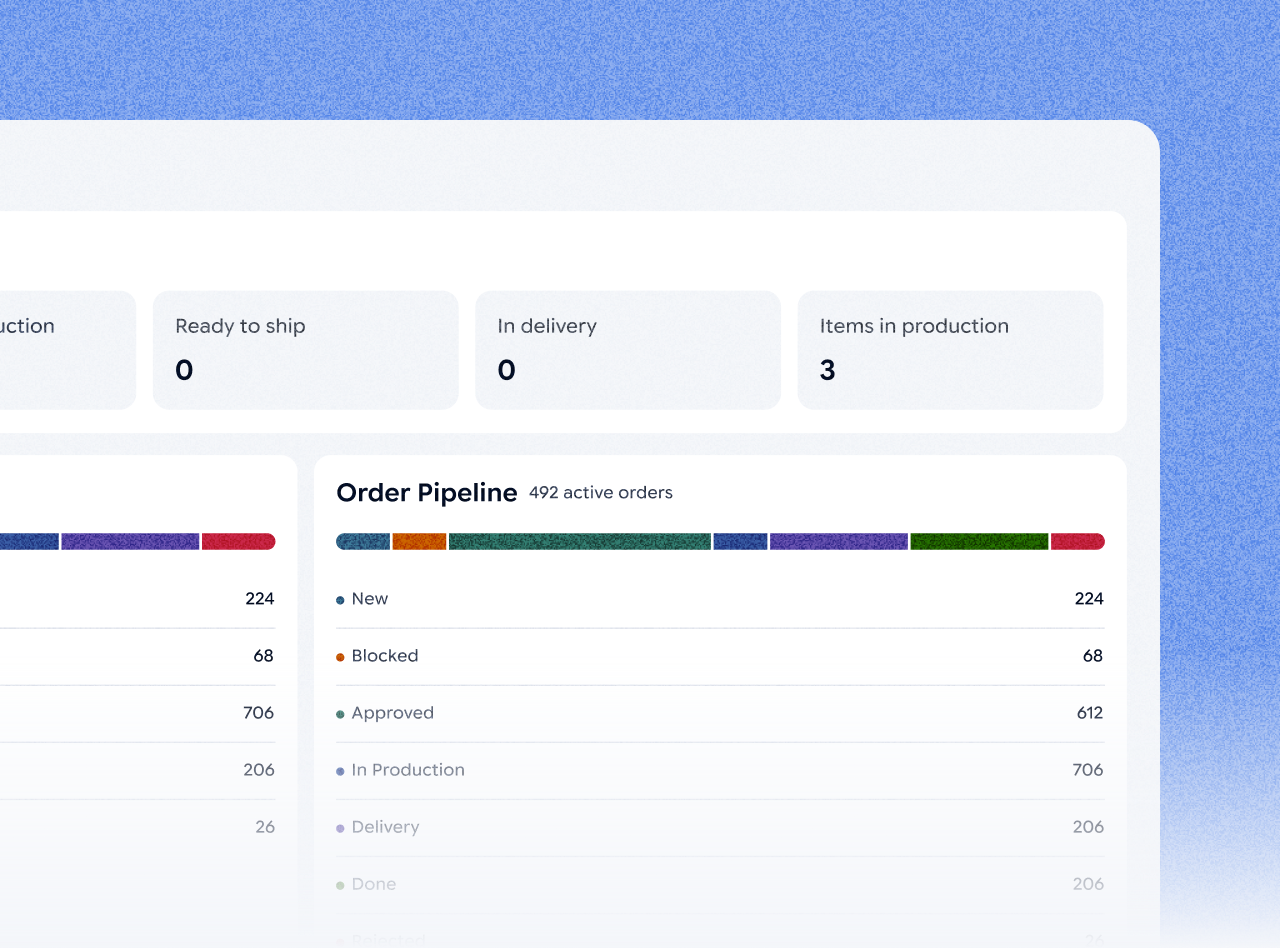
The order lands on one board

Orders from Etsy and one more platform arrive in the Jifup console with the artwork, size and color attached. No retyping and no email.

Step 3

A manager approves the order

A manager opens the order, checks the details and approves it for production.

Step 4

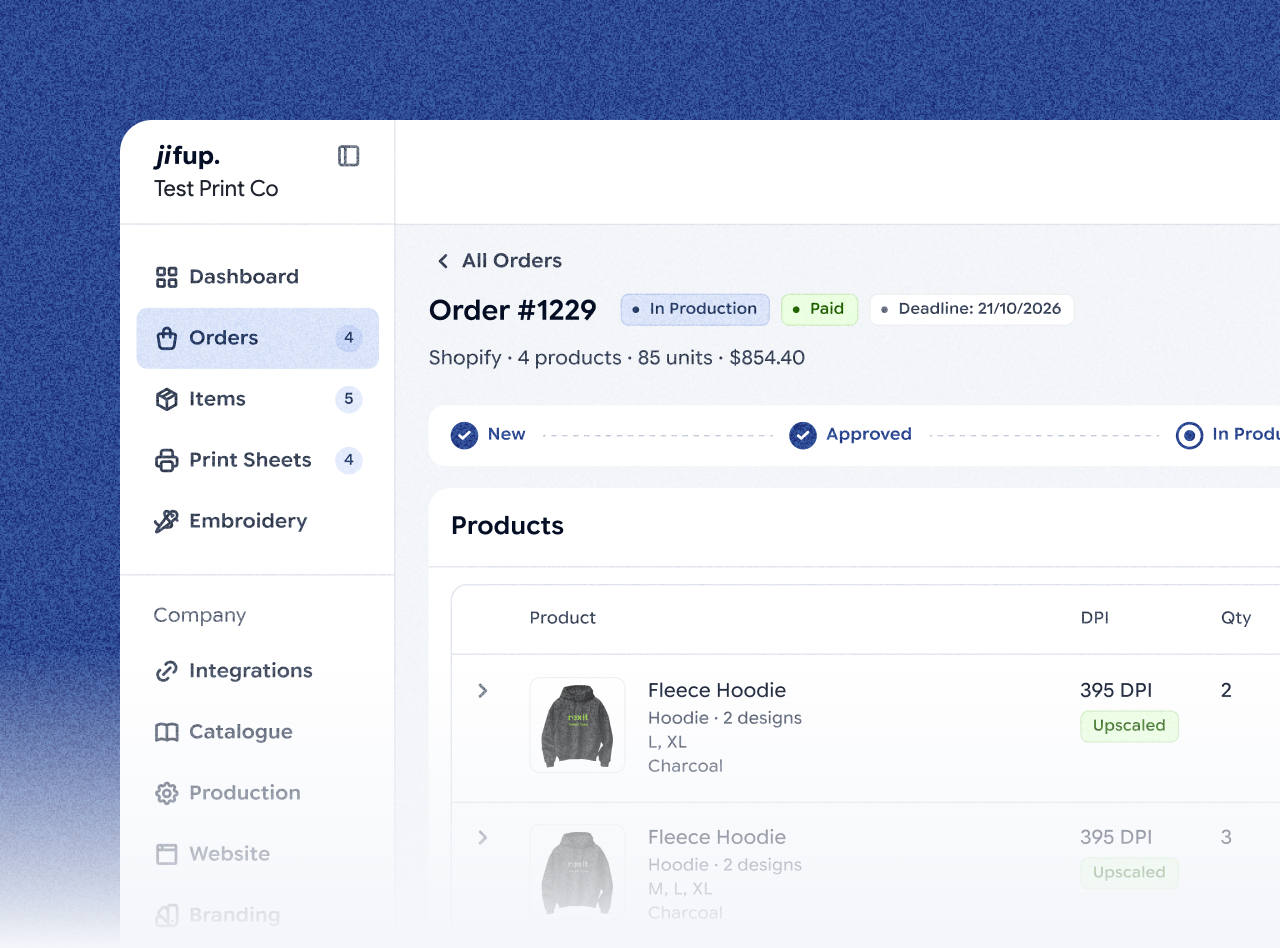
Jifup checks the artwork

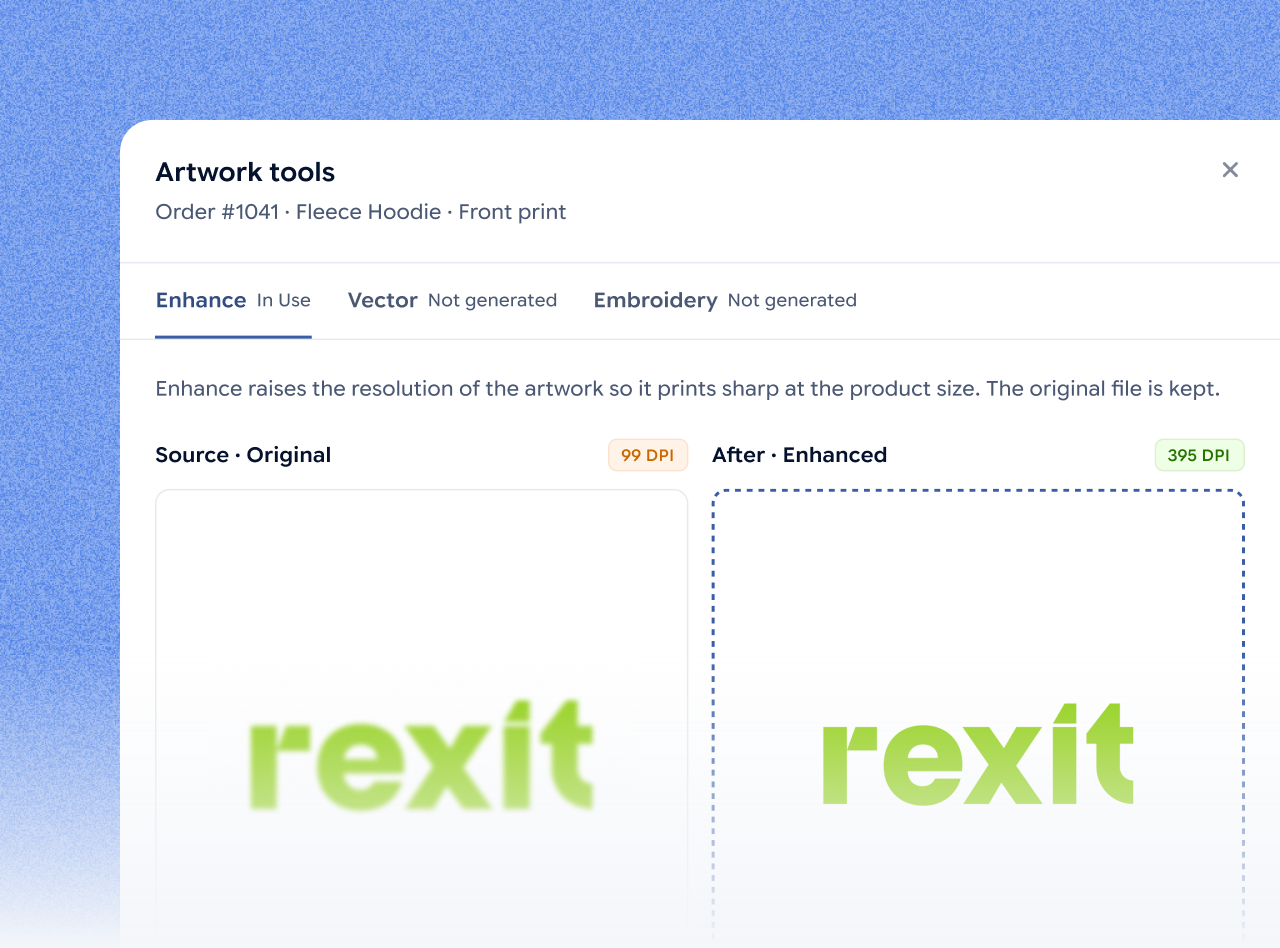
Jifup checks every image against the quality limits you set. If an image is too low in resolution, you upscale it with AI in one click and see the new DPI. The same AI tools can also vectorize artwork or turn it into embroidery.

Step 6

Your team moves the job through production

Each job moves through the production statuses print, cut, press, pack and quality check. Managers and production staff see only what their role needs.

Step 7

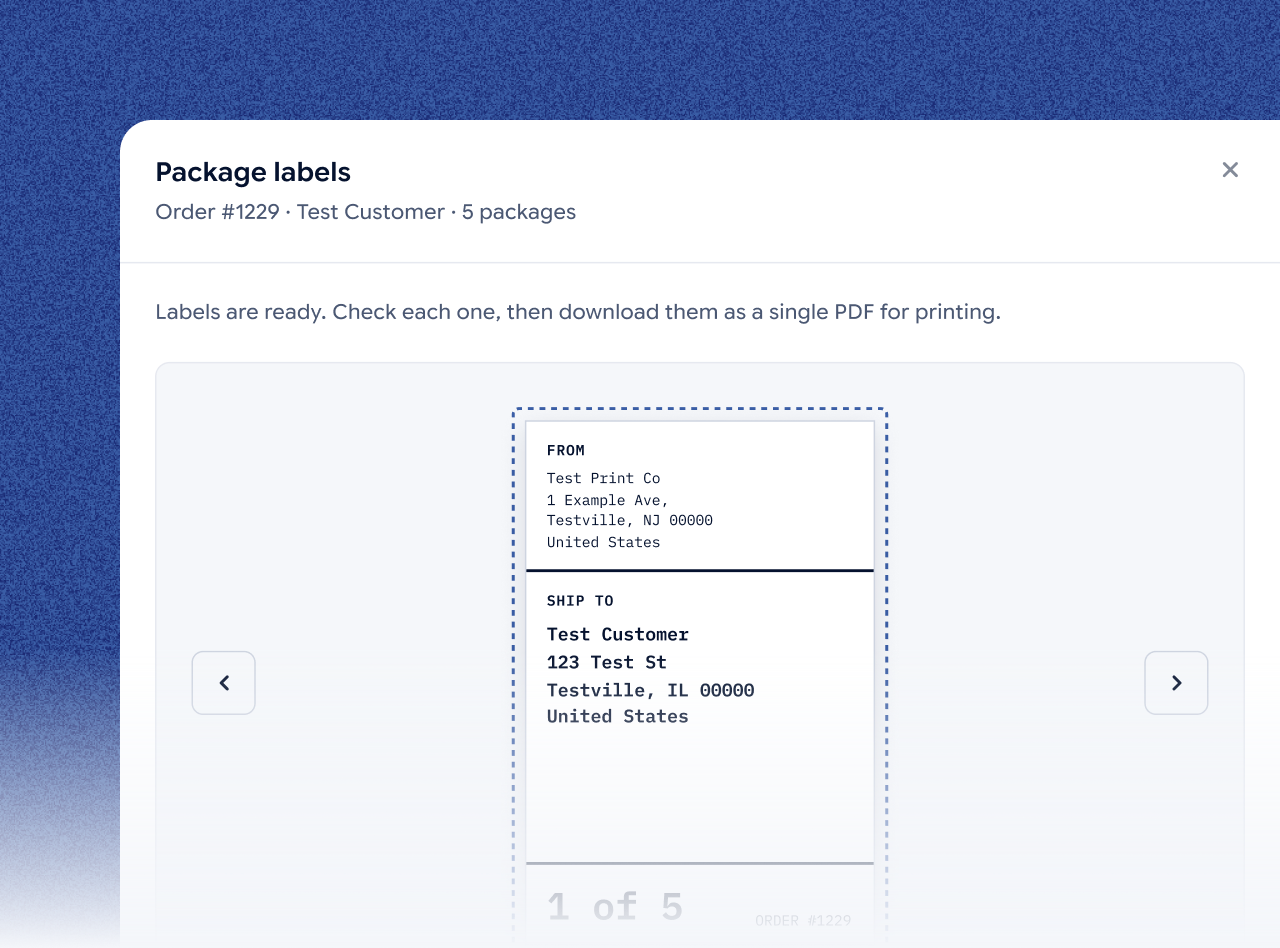
Print the barcode shipping labels

Jifup creates a barcode shipping label for every package. Labels for all packages download as one PDF.

Step 8

The status goes back to the store

Mark the order shipped, and the status syncs back to the sales channel the order came from.

Who does what

What Jifup does, and what your team does

Jifup does the checks and the file work. Your team does the rest.

StepYour customerYour teamJifup, automatically
DesignDesigns the product, then pays or requests a quote—Shows the live preview
Order arrives——Imports the order with its artwork, size and color
Approve—A manager approves the order—
Check artwork—Upscales a low-res image in one click, if neededChecks every image against your quality limits
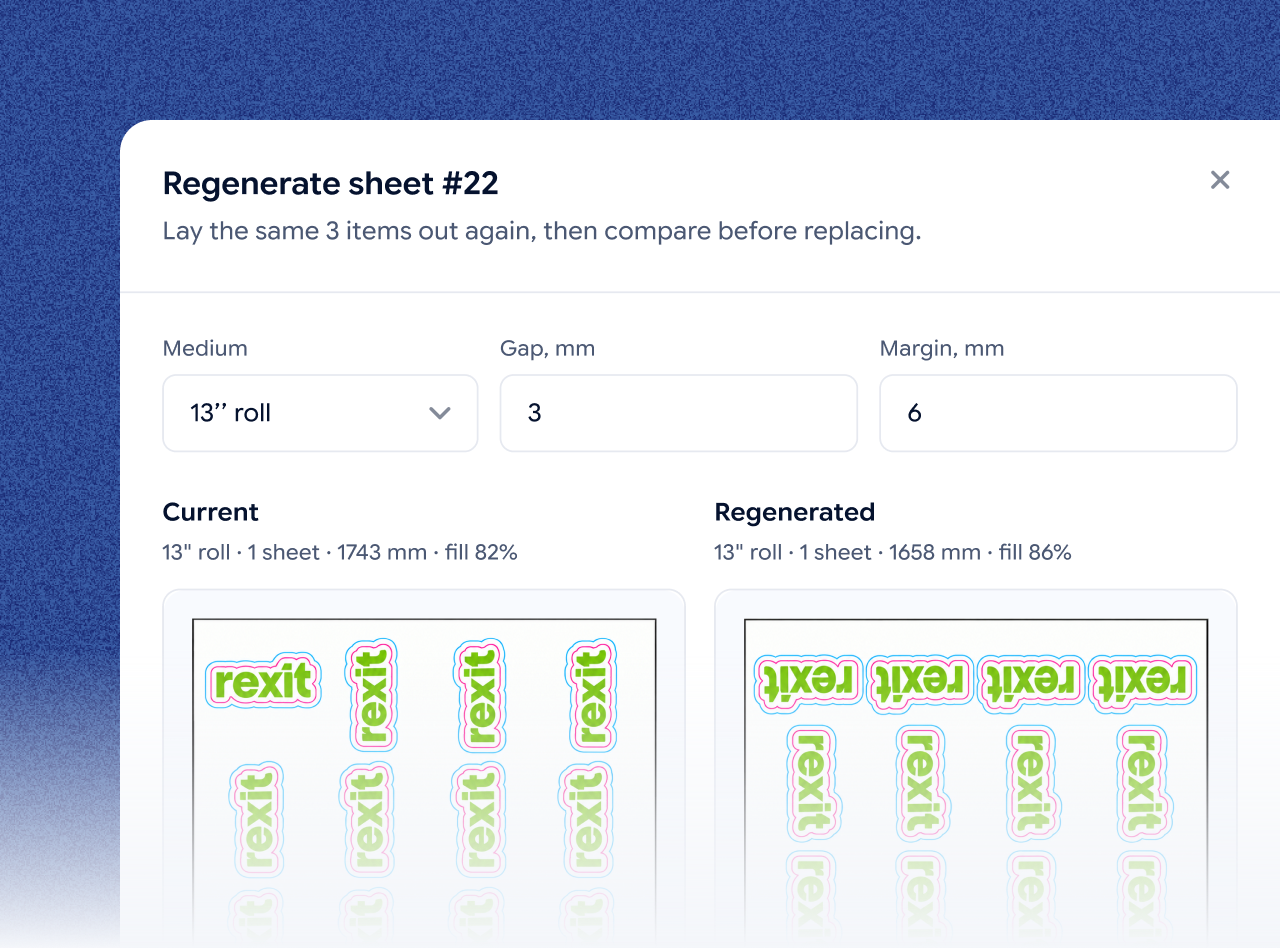
Print files—Downloads the print-ready file and printsBuilds print sheets, gang sheets and cut lines
Production—Production staff print, cut, press, pack and check qualityTracks the status of every job
Shipping label—Prints the labelsCreates a barcode label for every package, all in one PDF
Status sync—Marks the order shippedSends the status back to the sales channel

Set up once

Before your first order: set up once

Set up Jifup once. Then every order follows the steps above.

Step 01

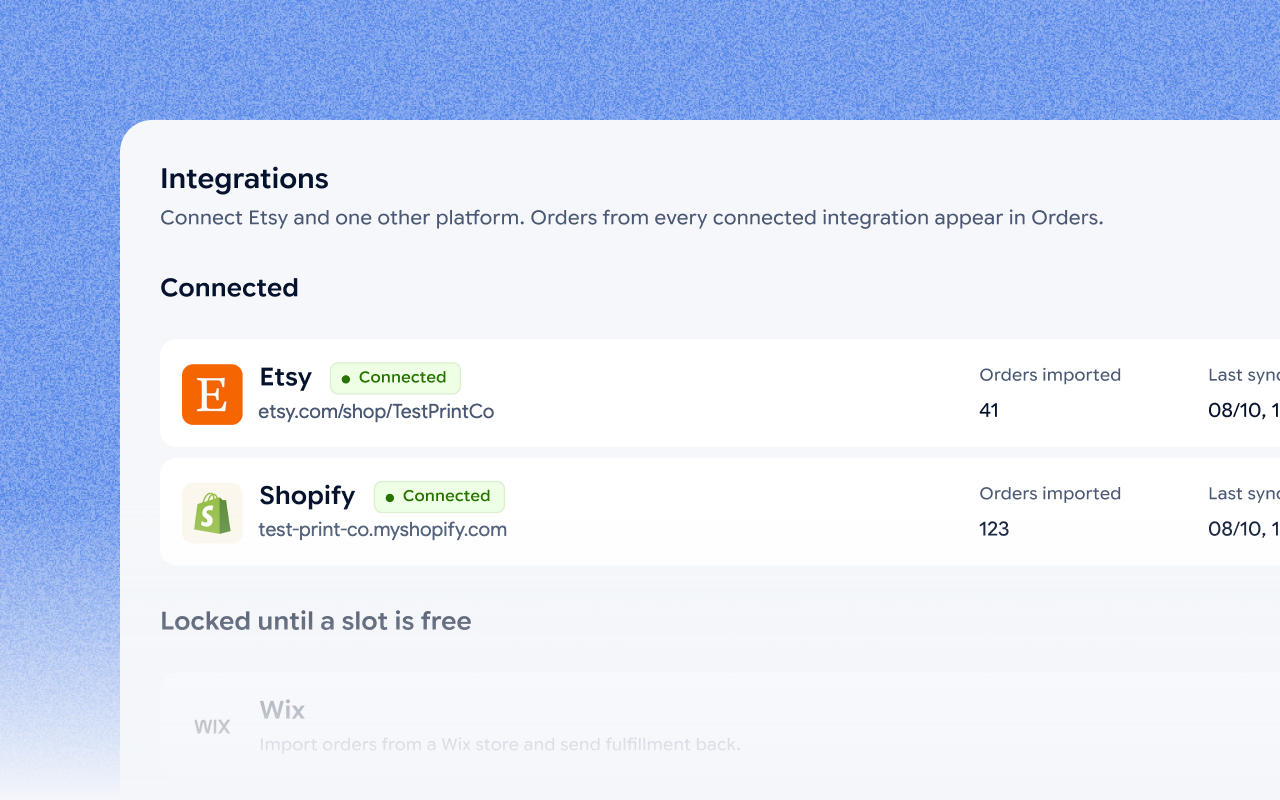
Connect your store, or sell on ours

Link Etsy and one more platform, or sell from the site Jifup gives you. Orders land in your console either way.

The Integrations screen of the Jifup console with Etsy and Shopify connected

Step 02

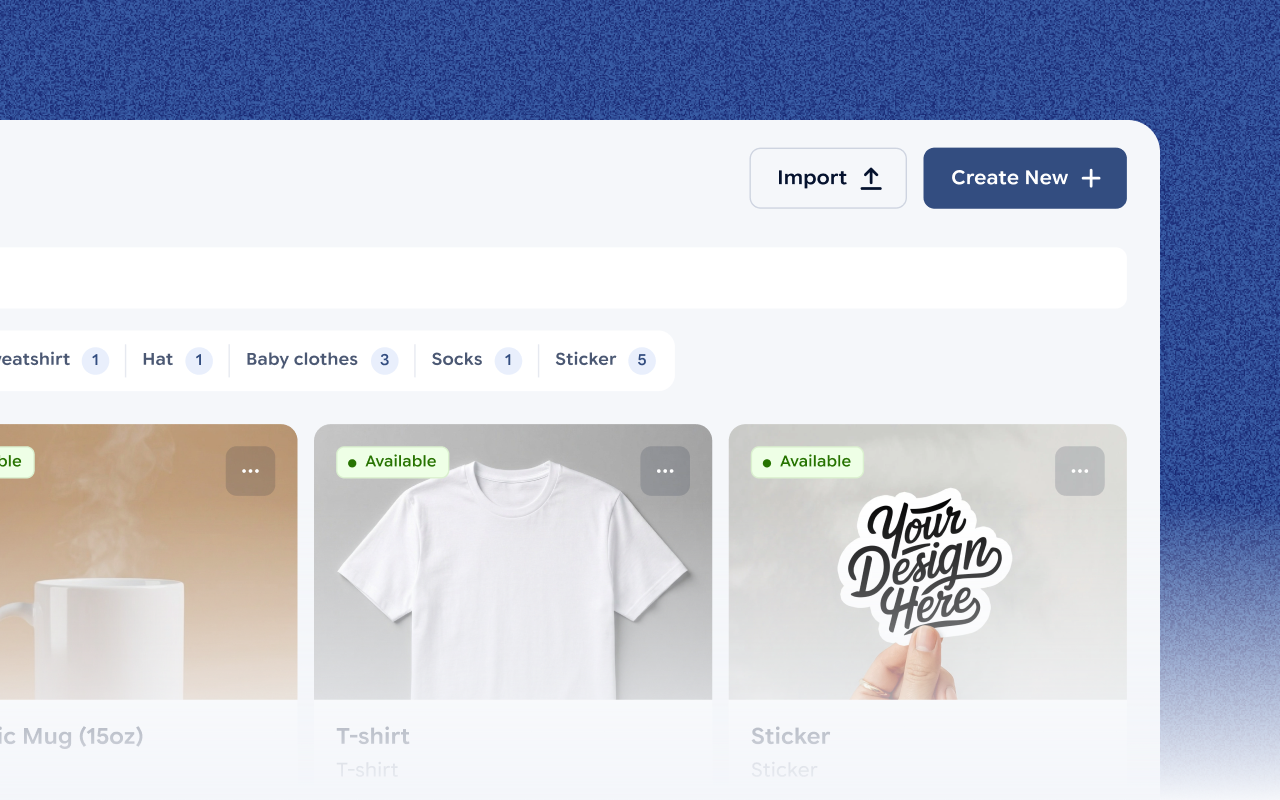
Add your products

Build your catalogue step by step, or import it from a price list, a spreadsheet or even a photo. You review everything before it goes in.

The catalogue of the Jifup console with products such as a mug, a T-shirt and a sticker

Step 03

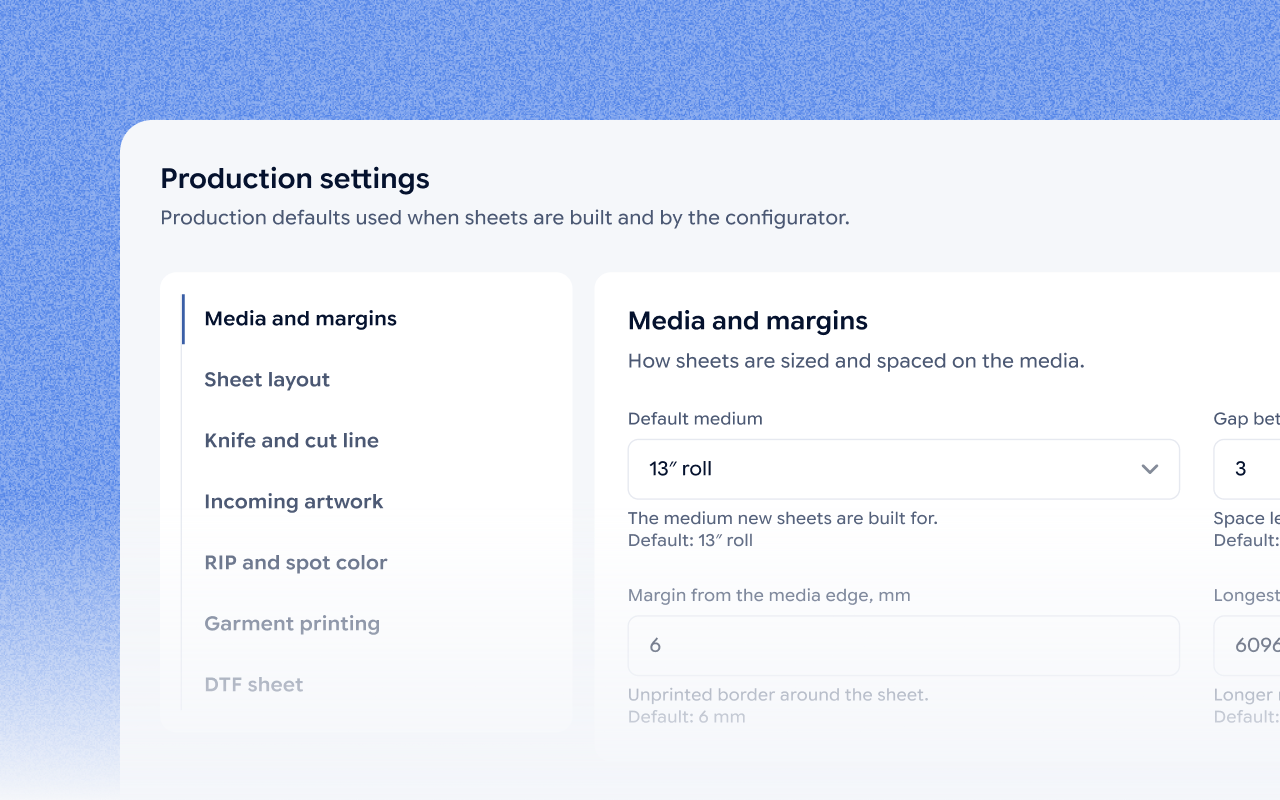
Set up your production

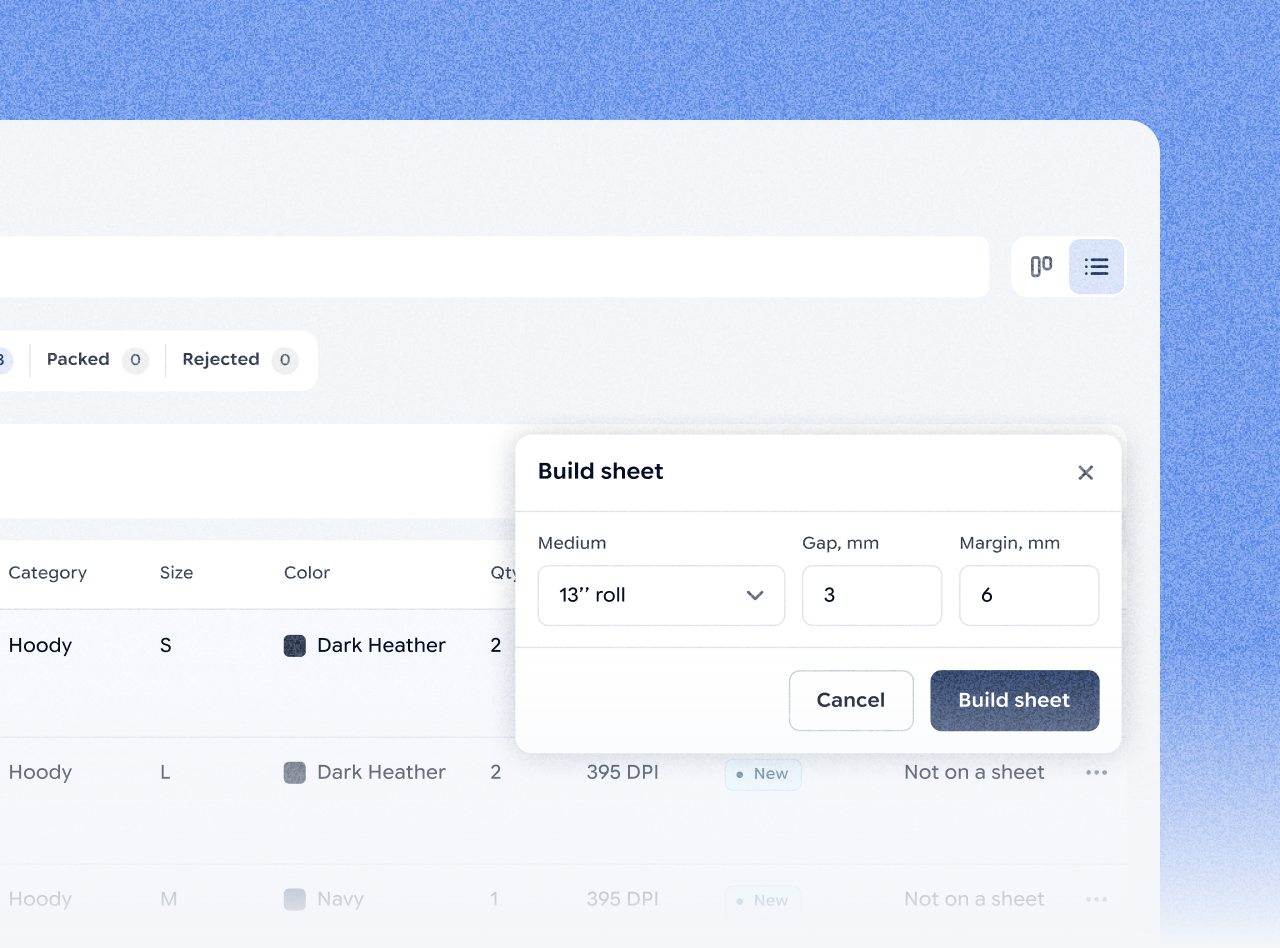
Add your company details and branding, then set your sheet sizes, gaps and quality limits once. Jifup applies them to every order.

Production settings of the Jifup console: media and margins of the print sheets

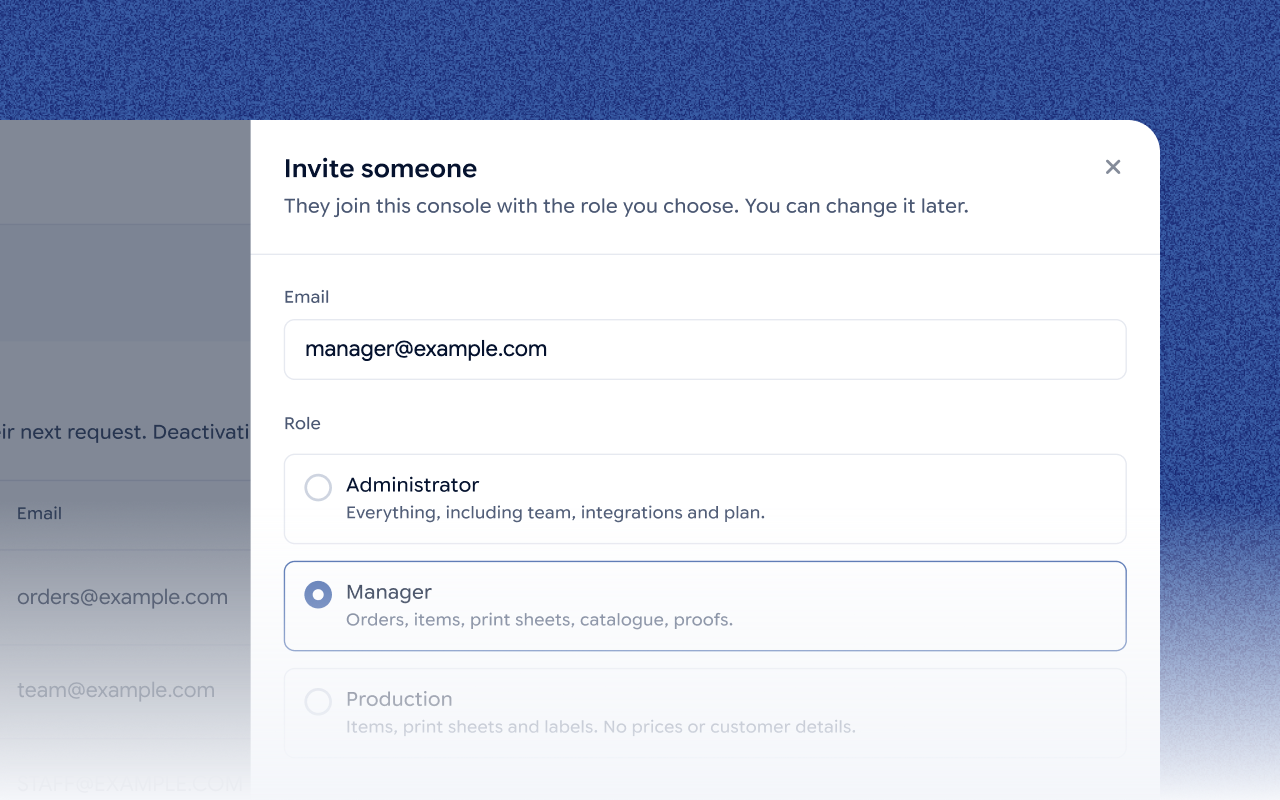
Step 04

Invite your team

Add managers and production staff. Everyone sees only what their role needs.

Inviting a team member to the Jifup console with the Manager role

Customer story

One print shop’s results with Jifup.

“Every Artistickers order is one-of-a-kind: a different photo, a different style, a different product. We used to start the day sorting orders and arranging print files by hand. Now orders arrive checked and grouped, and the team just prints. We get products out the door in a fraction of the time, and we catch bad files before they cost us a print.”

Andrew B.Founder & CEO, Artistickers
reduction in wasted print materials
at Artistickers, Jul–Sep 2026
90%
faster fulfillment from order to printing
at Artistickers, Jul–Sep 2026
3x
Read the Artistickers story

FAQs

Questions about the Jifup workflow

Short answers about how orders move through Jifup.

Orders come from Etsy plus one more platform: Shopify, Wix, WordPress or your own site through the Jifup API and webhooks, or from the website Jifup gives you. All orders land on one board in the Jifup console.

Jifup checks every image against the quality limits you set. If an image is too low, you can upscale it with AI in one click before it goes to print.

Jifup prepares print-ready files: print sheets and gang sheets with cut lines, built with the sheet sizes, gaps and quality limits you set.

Yes, on the Jifup Print Studio plan. The buyer sends the assembled order without paying, and you issue the invoice yourself.

A manager approves each order in Jifup before production. Managers and production staff each see only what their role needs.

Jifup tracks the production statuses print, cut, press, pack and quality check.

Yes. Jifup creates a barcode shipping label for every package, and all labels download as one PDF.

Yes. When you mark an order shipped in Jifup, the status syncs back to the sales channel the order came from.

See your own orders move through Jifup.

Connect your store in minutes and your first orders land in the console, checked and ready to plan. No credit card.